
Digital menu guide
Digital menu for restaurants: the table QR you update without reprinting
Paper you reprint every time a price changes? With a digital menu the QR on the table stays the same and guests see the new version right away.
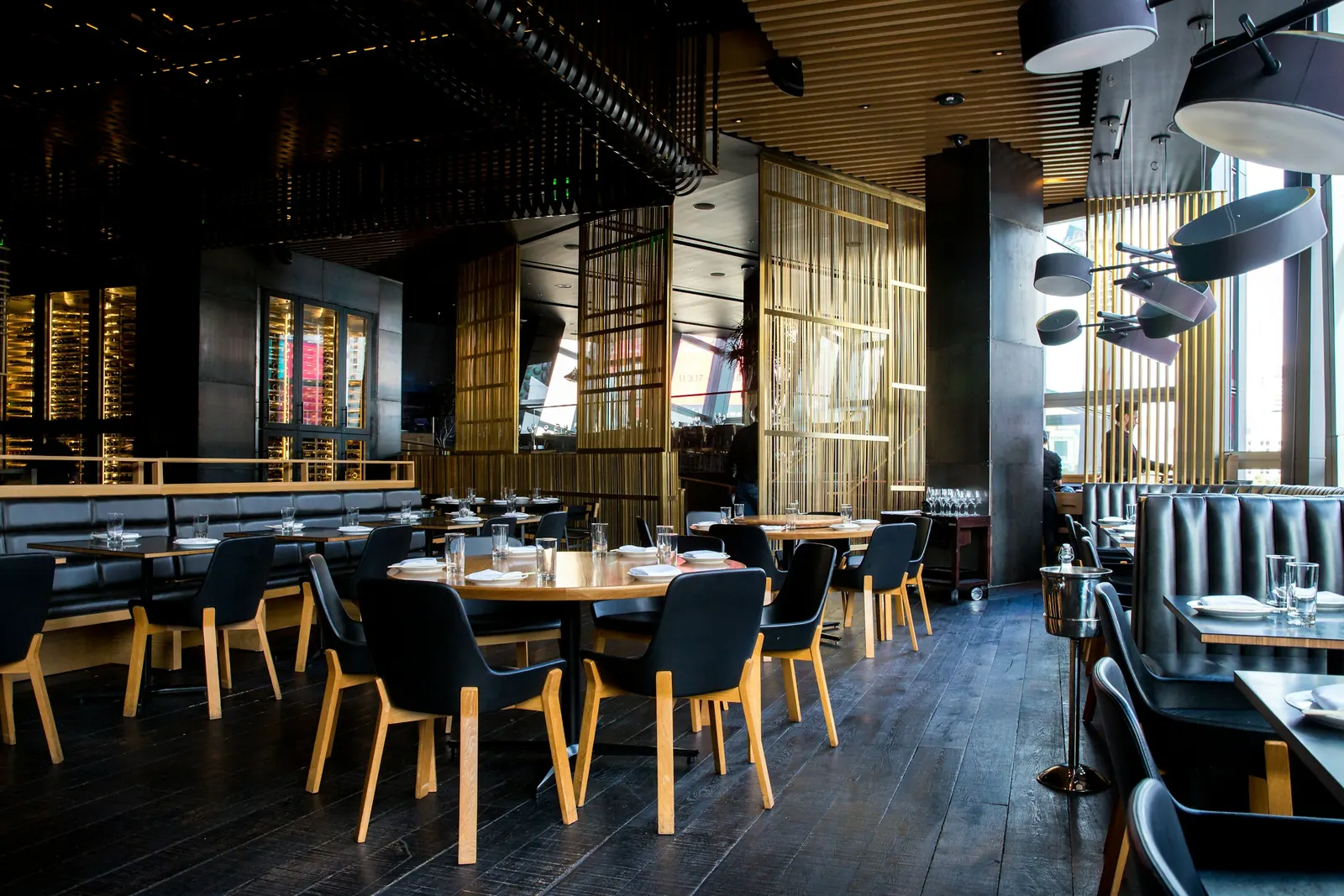
A paper menu in your restaurant feels safe — until you change a price, a dish runs out, or the room fills up and every table needs the same explanation. Then the printed sheet becomes a problem: reprint it, cross it out by hand, or have the waiter explain it again.
A digital menu for restaurants puts dishes and prices on the guest’s phone. The QR on the table stays the same: you print it once, and when you update the menu, guests see the new version right away.
Why paper slows you down
In daily service the same things keep happening:
- you change a second-course price and must reprint (or correct by hand);
- a dish runs out and the waiter repeats it table by table;
- different paper copies of the same menu stay in the room.
This is not about bad staff. It is about the tool: paper does not update itself.
What a digital menu does in practice
With our digital menu you organise categories and dishes, update prices whenever you want, and show them to the guest immediately. The QR on the table does not change: print once, done.
You do not need to reinvent the venue. You need guests to read tonight’s real menu, without waiting for another print run. In a few minutes you publish a change that on paper would have sent you back to the printer.
If you want to see it on a guest phone: Try the digital menu.
How you use it on the floor
- Build the menu: categories, dishes, short descriptions, prices.
- Print the QR and put it on the table.
- Update when needed: new price, dish gone, dish of the day.
- Guests scan and read on their phone.
Heavy work (reprints, pen corrections, repeated explanations) leaves the service. Cooking and hospitality stay.
Do it yourself or let us do it
If you want control, you create and update the menu in the editor. If you have no time, you send us the menu and we prepare it with a ready QR.
If you also need a simple online page for the business, we can create a site with a domain included in the form yourdomain.singularitylabs.it.
What changes in day-to-day service
When the menu is clear on the phone, the floor team stops acting as a loudspeaker for the price list. Staff confirm, recommend, handle allergies and timing: they do not repeat basic prices at every table. Ambiguous orders from a pen-corrected sheet or a half-explained list go down.
It is not magic. It is one version of the menu, updated, the same for everyone. If you publish a change, the next guest who scans sees it. If a dish is gone, you remove it and stop selling it by mistake.
Guests read at their own pace. They do not need to catch someone only to learn whether a side is included or whether a special is still available. They order better, and you serve better. On busy services, even a few seconds saved per table show up in the ticket line and in the mood of the room.
Another practical effect: new staff learn the list faster. They do not have to memorise every price on day one: they have one reference, updated, matching what the guest reads.
Mistakes to avoid in the first days
- leaving paper copies around with prices that differ from the digital menu;
- printing a QR that is too small or dirty;
- publishing endless descriptions nobody reads;
- forgetting to update when a dish runs out;
- promising dishes that do not actually leave the kitchen;
- using text that does not match what you really serve;
- changing the QR link for no reason (and then having to reprint every stand).
Start simple: clear categories, correct prices, a readable QR. Then enrich. An honest menu beats a “pretty” one frozen three months ago. If something is unavailable, better to remove it at once than let someone order it and apologise later.
How to bring the team along
Explain in two minutes where the truth of the menu lives. If digital is official, everyone must know. A small line on the QR (“Scan for the menu”) cuts “how do I do this?” questions in the first services.
Anyone who prefers to order by voice still can. You still have an updated list to lean on when there is doubt. At the start of service, a manager can check in thirty seconds that the published menu is tonight’s menu.
In the first days, also walk the room: readable QR codes, clean stands, nobody pulling out an old paper copy “out of habit”. After a week the gesture becomes automatic.
FAQ
Do guests need an app? No. They open the menu in the phone browser by scanning the QR.
If I change a price, must I reprint the QR? No. The QR stays the same; only the page content changes.
Can I use it for the dish of the day? Yes: update those items and guests see them at once.
Does it work in a small restaurant? Especially there: fewer people on the floor, less time burned on repeated explanations.
What to do today
Take tonight’s menu and ask: if tomorrow you change three prices, how much time and printing does that cost?
When you are ready, open the digital menu page and see if it fits your room.


