
Digital menu guide
Digital menu for pubs and beer houses: taps, burgers and a list that moves
Rotating taps and unreadable boards: with a digital pub menu you update beers and burgers without rewriting the list by hand.
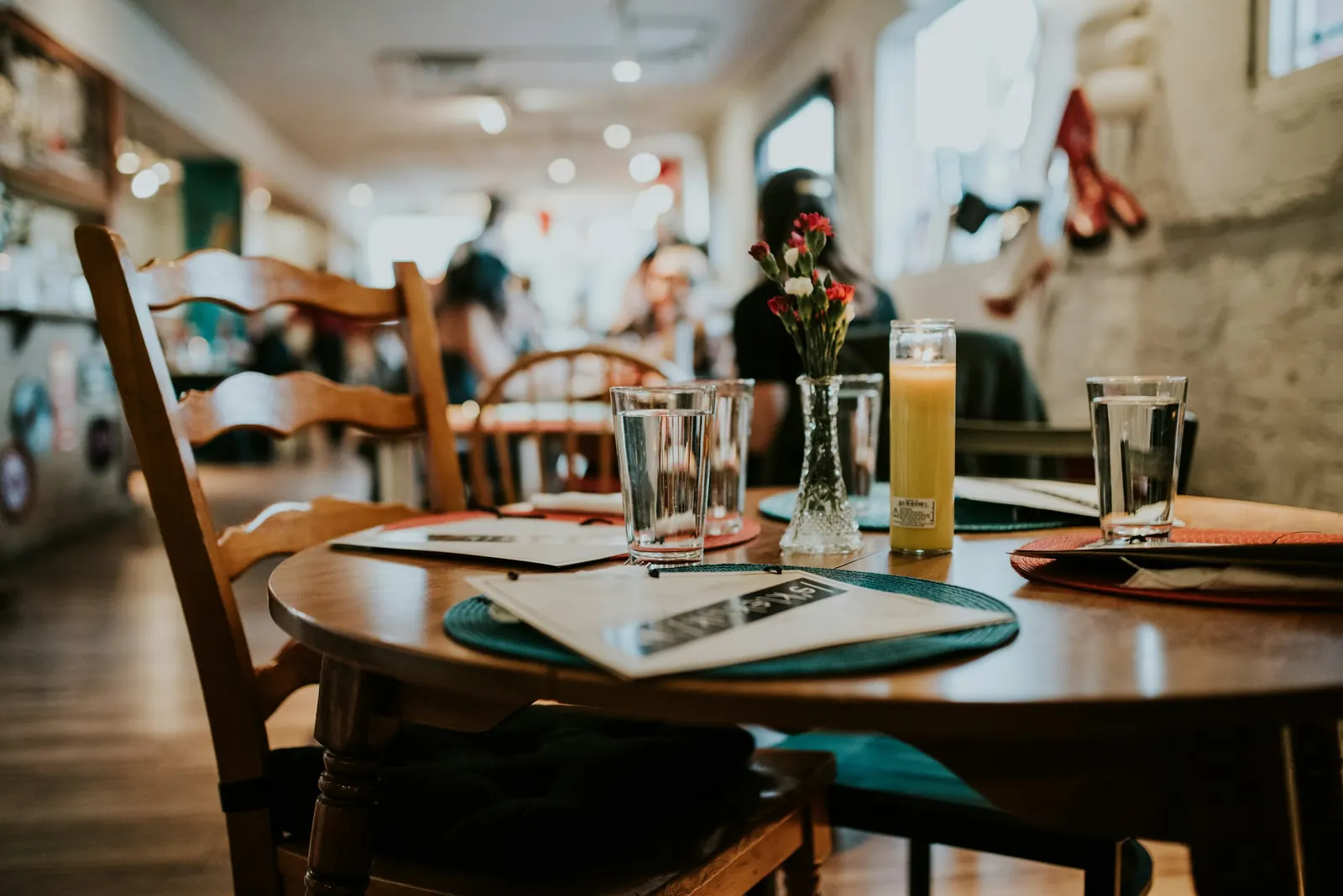
In a pub or beer house the menu is a living list: rotating taps, burger of the month, boards, happy hour. If everything lives on an unreadable chalkboard or a greasy sheet, you lose orders and clarity.
A digital menu for pubs and beer houses puts beers, food and prices on the phone. The table QR stays fixed; you update taps and prices.
What to highlight
- draught beers (name, style, glass);
- bottled beers;
- burgers and plates;
- boards and snacks;
- soft drinks.
If a tap changes, update that line. Guests should not guess from the spout colour.
Happy hour and evening changes
Pubs often change conditions by time band. With digital you can update items when a band starts or ends, without rewriting the board in a rush as the room fills.
One published version beats three pen versions.
Clear beer and burger descriptions
In city centres and university areas the crowd is mixed and in a hurry. Short descriptions of beers and burgers on the phone help people order without turning the bartender into the list announcer.
Where to put the QR
Better a stable stand on the table: coasters wear out fast. A small clean stand works better.
What changes in day-to-day service
When the menu is clear on the phone, the floor team stops acting as a loudspeaker for the price list. Staff confirm, recommend, handle allergies and timing: they do not repeat basic prices at every table. Ambiguous orders from a pen-corrected sheet or a half-explained list go down.
It is not magic. It is one version of the menu, updated, the same for everyone. If you publish a change, the next guest who scans sees it. If a dish is gone, you remove it and stop selling it by mistake.
Guests read at their own pace. They do not need to catch someone only to learn whether a side is included or whether a special is still available. They order better, and you serve better. On busy services, even a few seconds saved per table show up in the ticket line and in the mood of the room.
Another practical effect: new staff learn the list faster. They do not have to memorise every price on day one: they have one reference, updated, matching what the guest reads.
Mistakes to avoid in the first days
- leaving paper copies around with prices that differ from the digital menu;
- printing a QR that is too small or dirty;
- publishing endless descriptions nobody reads;
- forgetting to update when a dish runs out;
- promising dishes that do not actually leave the kitchen;
- using text that does not match what you really serve;
- changing the QR link for no reason (and then having to reprint every stand).
Start simple: clear categories, correct prices, a readable QR. Then enrich. An honest menu beats a “pretty” one frozen three months ago. If something is unavailable, better to remove it at once than let someone order it and apologise later.
How to bring the team along
Explain in two minutes where the truth of the menu lives. If digital is official, everyone must know. A small line on the QR (“Scan for the menu”) cuts “how do I do this?” questions in the first services.
Anyone who prefers to order by voice still can. You still have an updated list to lean on when there is doubt. At the start of service, a manager can check in thirty seconds that the published menu is tonight’s menu.
In the first days, also walk the room: readable QR codes, clean stands, nobody pulling out an old paper copy “out of habit”. After a week the gesture becomes automatic.
FAQ
Can I list today’s taps? Yes — and it is one of the best use cases.
Is it worth it for a small pub? Especially if taps change often: it cuts repeated explanations.
Do guests need an app? No.
If I update taps, must I reprint the QR? No.
Tonight’s test
Publish only taps and burgers. Try the digital menu and let one table order from there.


